 Jug Scope
How Jug Scope works.
From connecting a scope to sending a finished set, step by step.
11 views of every cylinder.
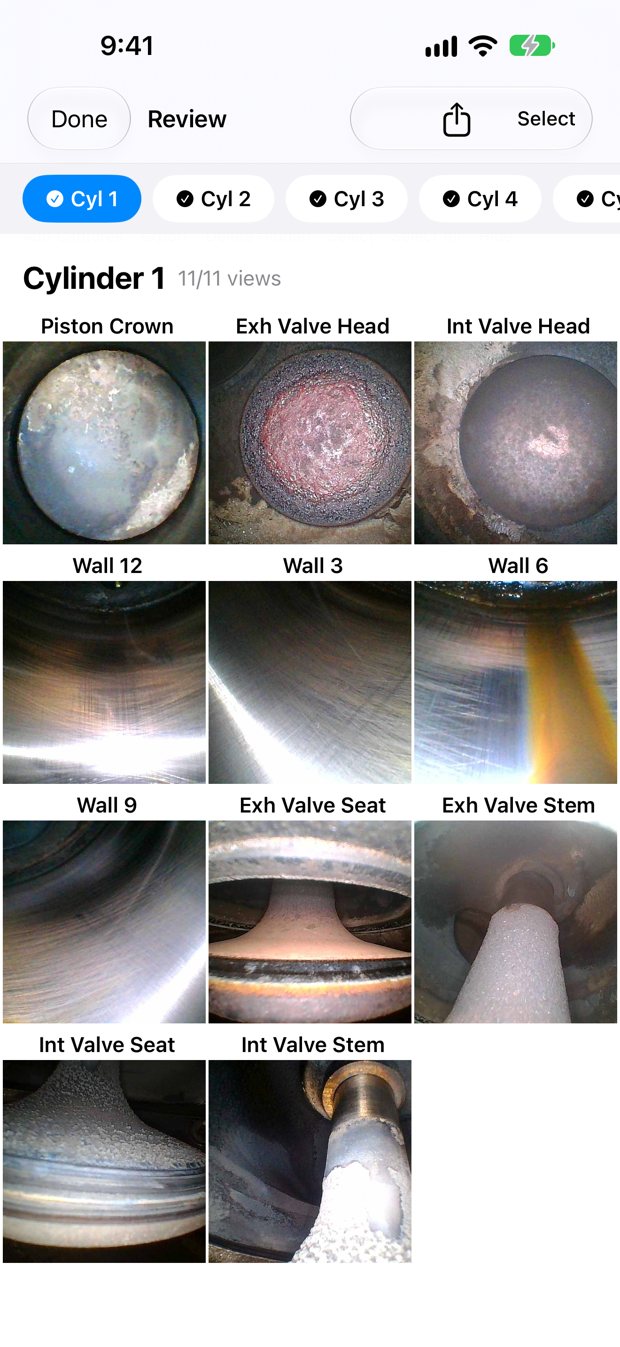
Jug Scope follows Savvy Aviation's 11-view borescope protocol. For each cylinder you capture seven views with the piston at bottom dead center, two with the exhaust valve open, and two with the intake valve open. The app groups them that way so you turn the prop as little as possible.
- Piston Crown
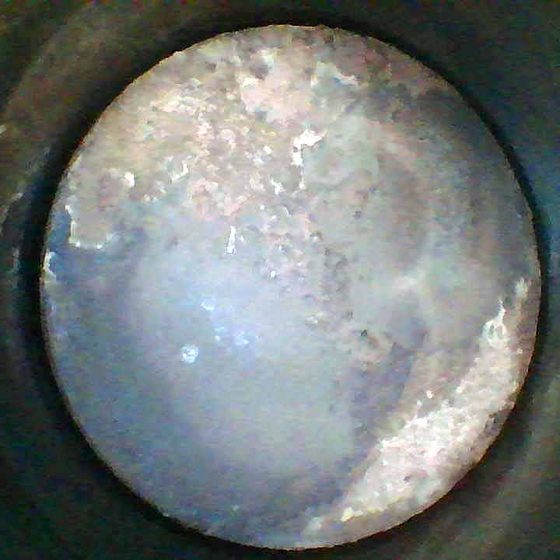
- Exhaust Valve Head
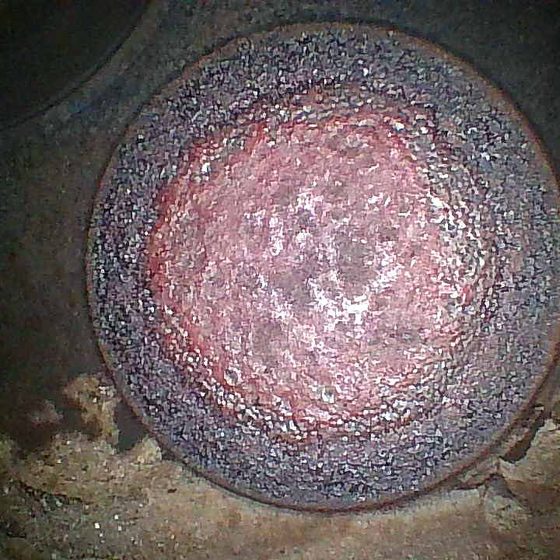
- Intake Valve Head
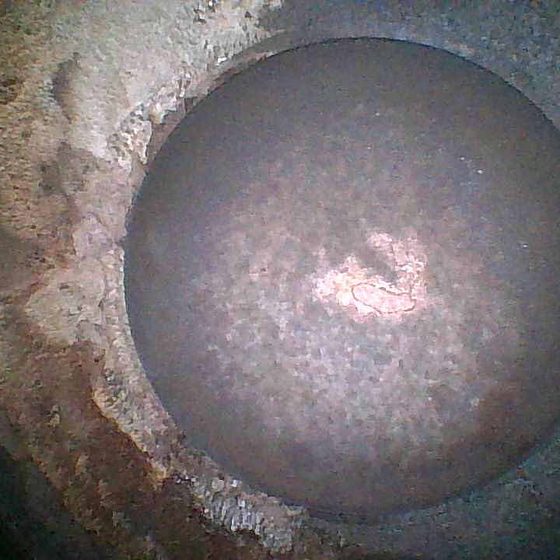
- Cylinder Wall — 12 o’clock
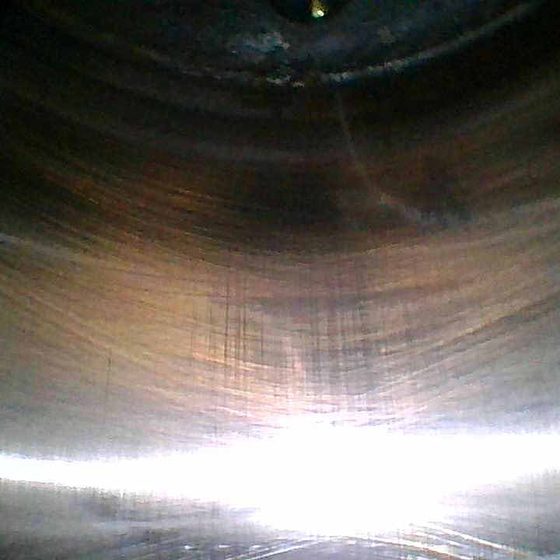
- Cylinder Wall — 3 o’clock
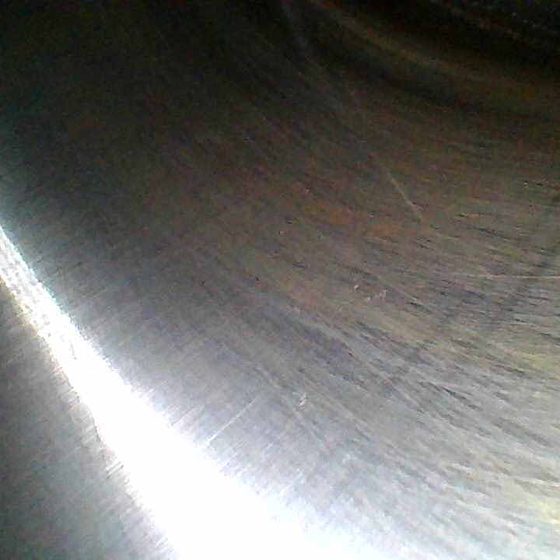
- Cylinder Wall — 6 o’clock
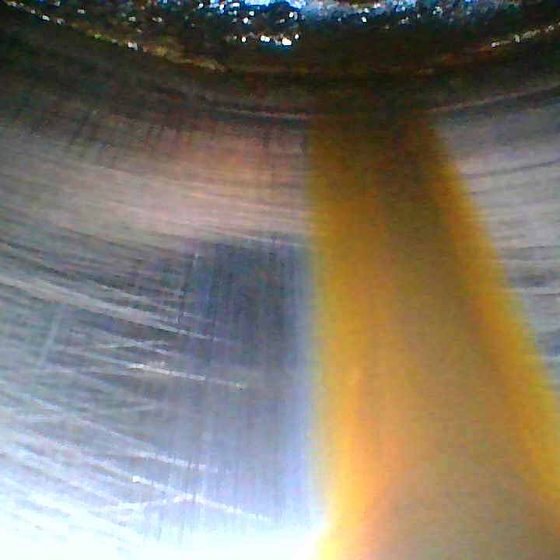
- Cylinder Wall — 9 o’clock
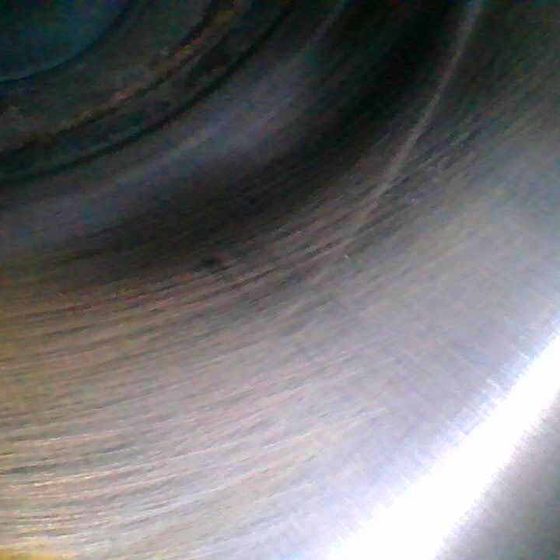
- Exhaust Valve Seat
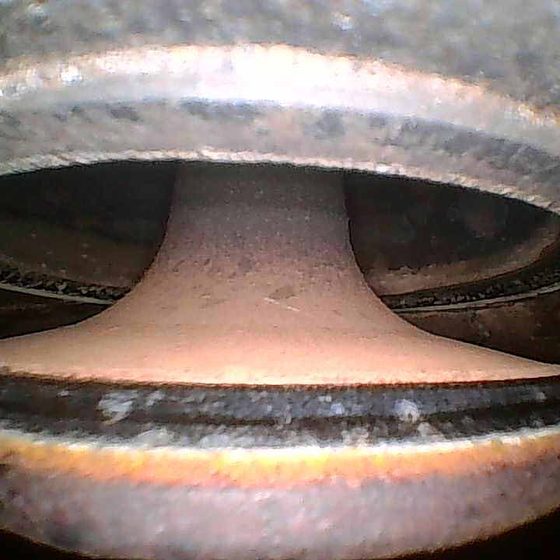
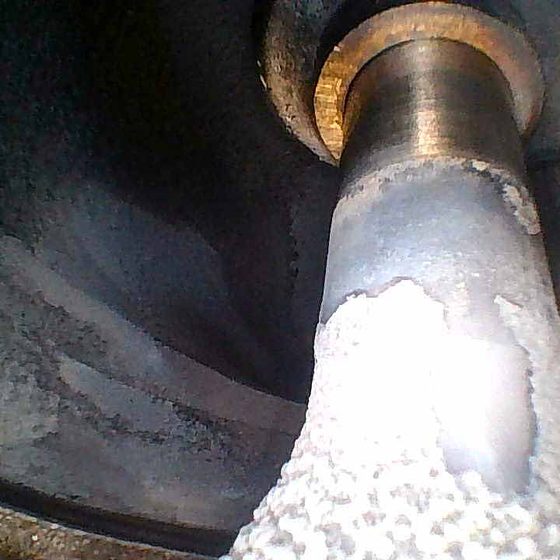
- Exhaust Valve Stem
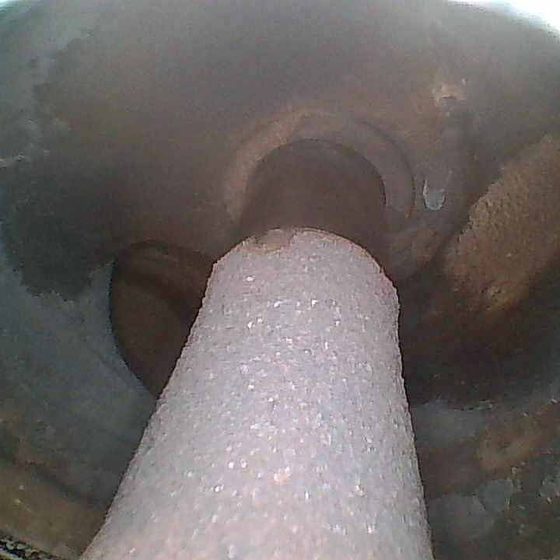
- Intake Valve Seat
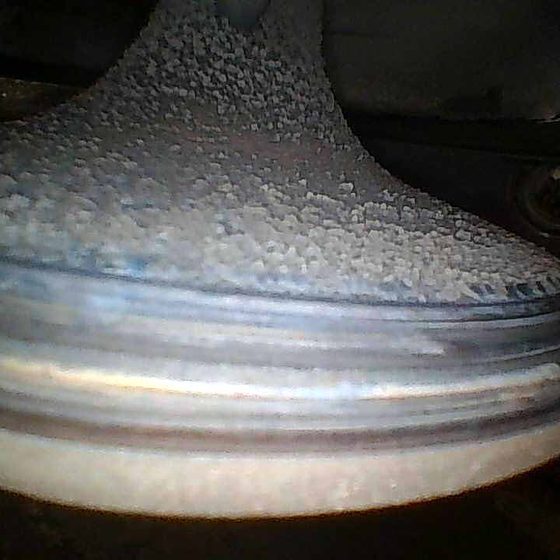
- Intake Valve Stem
A six-cylinder engine is 66 images. A four-cylinder engine is 44.
Set the cylinder count on the aircraft: any number from 1 to 18 per engine. New aircraft start at 6.
Connect your borescope.
- WiFi (iPhone or iPad)
- Turn on the borescope and join its WiFi network. Come back to Jug Scope and it finds the scope.
- Vividia W03 from Oasis Scientific (WiFi, iPhone and iPad)
- It's a WiFi borescope. Join its network (it starts with WIFIimage_), then come back to Jug Scope.
- Vividia VA-B2 AirBox (WiFi, iPhone and iPad)
- Join its network (it starts with Airbox_), then come back to Jug Scope.
- Oasis/Vividia U-101 (USB, iPad)
- Plug it into your iPad with its USB adapter. It usually connects on its own within a few seconds.
- Ralcam F4A (iPhone or iPad)
- Plug it in with its own cable (Lightning or USB-C). It connects by itself. There's no WiFi to join.
- Built-in camera
- No borescope handy? Use the device's own camera.
Capture, hands free if you like.
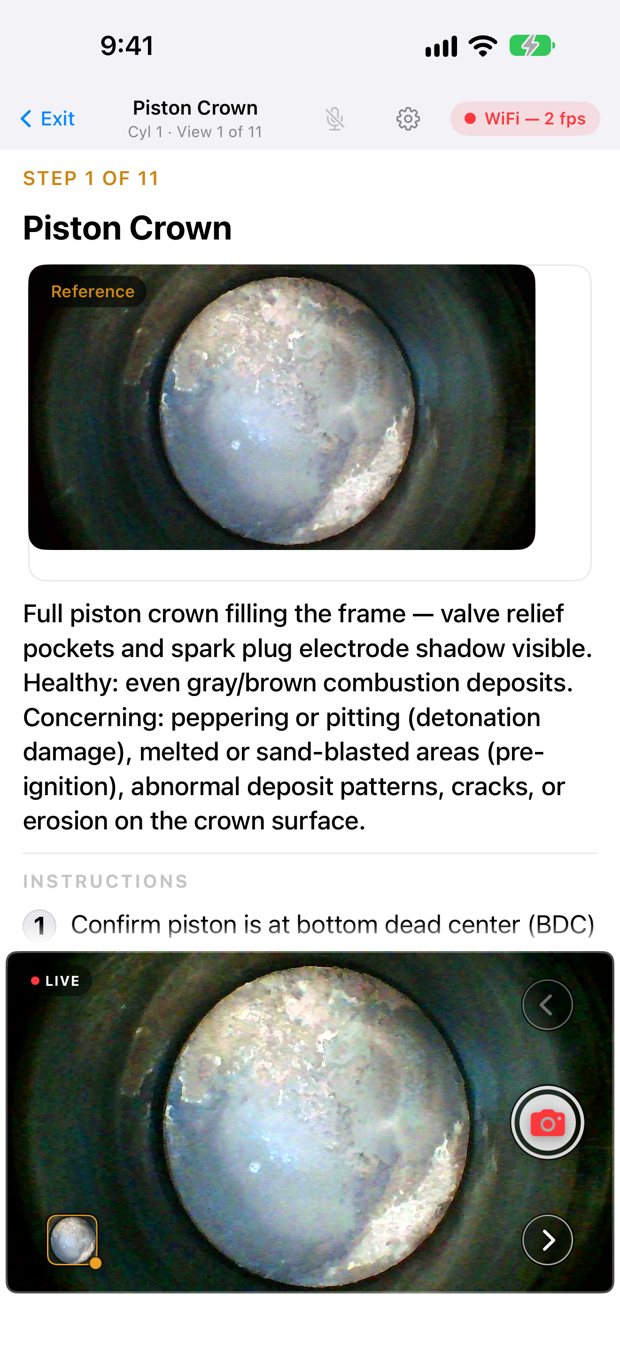
The screen shows which cylinder and view you're on, with a reference image. Tap to capture, press the volume button, or say "shoot". Say "next" or "back" to move between views. Voice recognition runs on the device; no audio leaves your phone or iPad.
Take as many shots of a view as you need. You choose the best one later.
Check the set before it leaves.
Review shows every image, organized by cylinder. Zoom in, retake a view, set which shot represents a view, or move a mislabelled shot to the right view.
See how a cylinder changes.
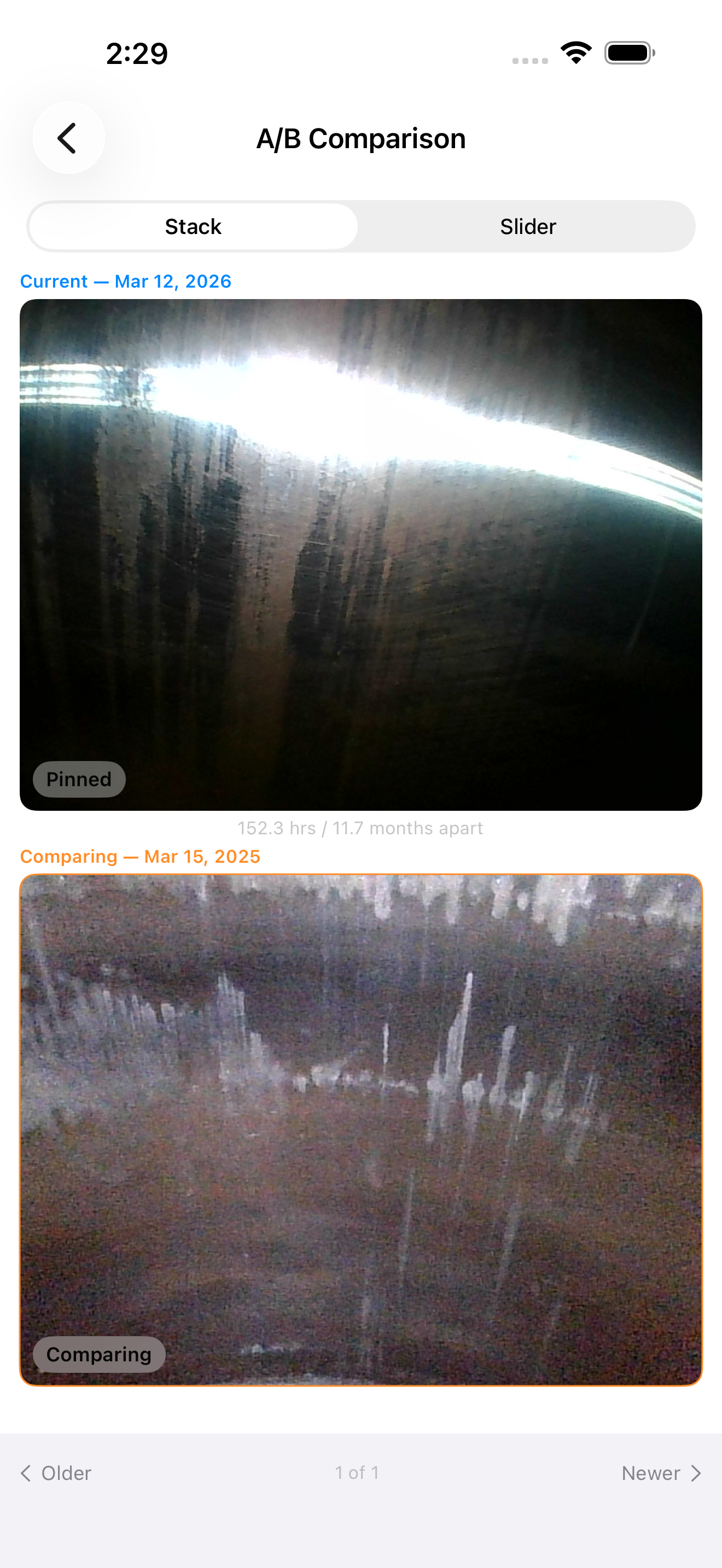
Every inspection of an aircraft stays in one history. From any image, choose Compare Across Inspections to see the same view and cylinder from earlier inspections side by side.
Bring in your old inspections.
Have borescope photos from an older app, another camera, or a shop? Import Historical Images walks you through assigning each image to its cylinder and view. They then sit in the aircraft's history with everything else.
Jug Scope and Savvy Aviation.
- Savvy Aviation runs a borescope analysis service for piston engines. Jug Scope follows Savvy's 11-view protocol and its file-naming convention.
- When you export, every image is named to Savvy's convention: cylinder, view, and date.
- You can send a finished set to Savvy from the app. The first time, sign in to Savvy and choose the aircraft. Sending needs an unlocked inspection (one inspection credit).
- Savvy's analysis is Savvy's service. You need a Savvy account, and Savvy's own terms apply.
- Jug Scope is made by Airworthy Labs. It is not a Savvy Aviation product.


Try it on your next inspection.
For iPhone and iPad. Requires iOS or iPadOS 17 or later.